Photo + tag-based materials
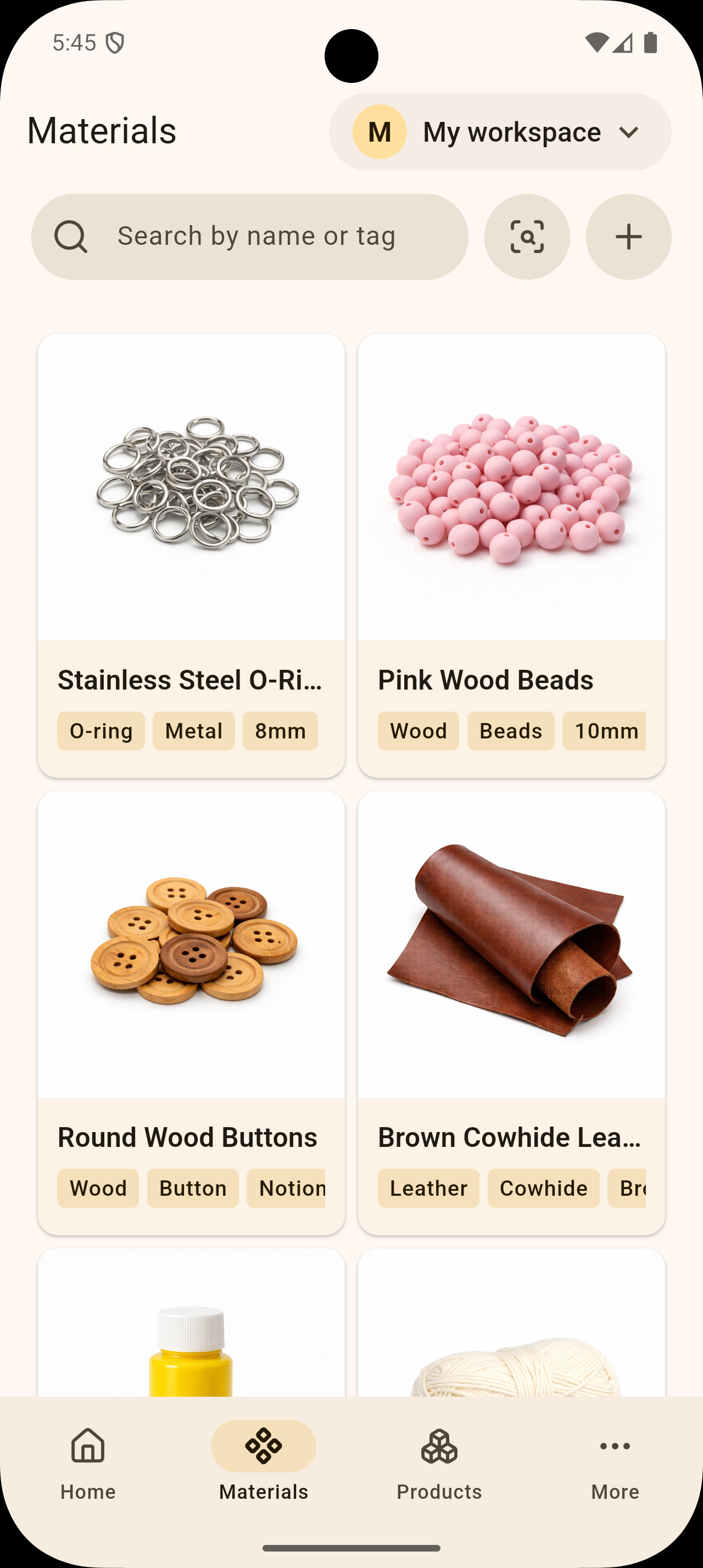
Capture a material with a photo and tags, then keep it in a clean, searchable card.
A materials tool for small craft studios
Receipts, photo folders, and Excel costs — organize it all in one place.
When receipts, photos, and spreadsheets live in different places, records pile up but clarity does not.
Capture a material with a photo and tags, then keep it in a clean, searchable card.
Search by tag or material name to find what you need without digging through folders.
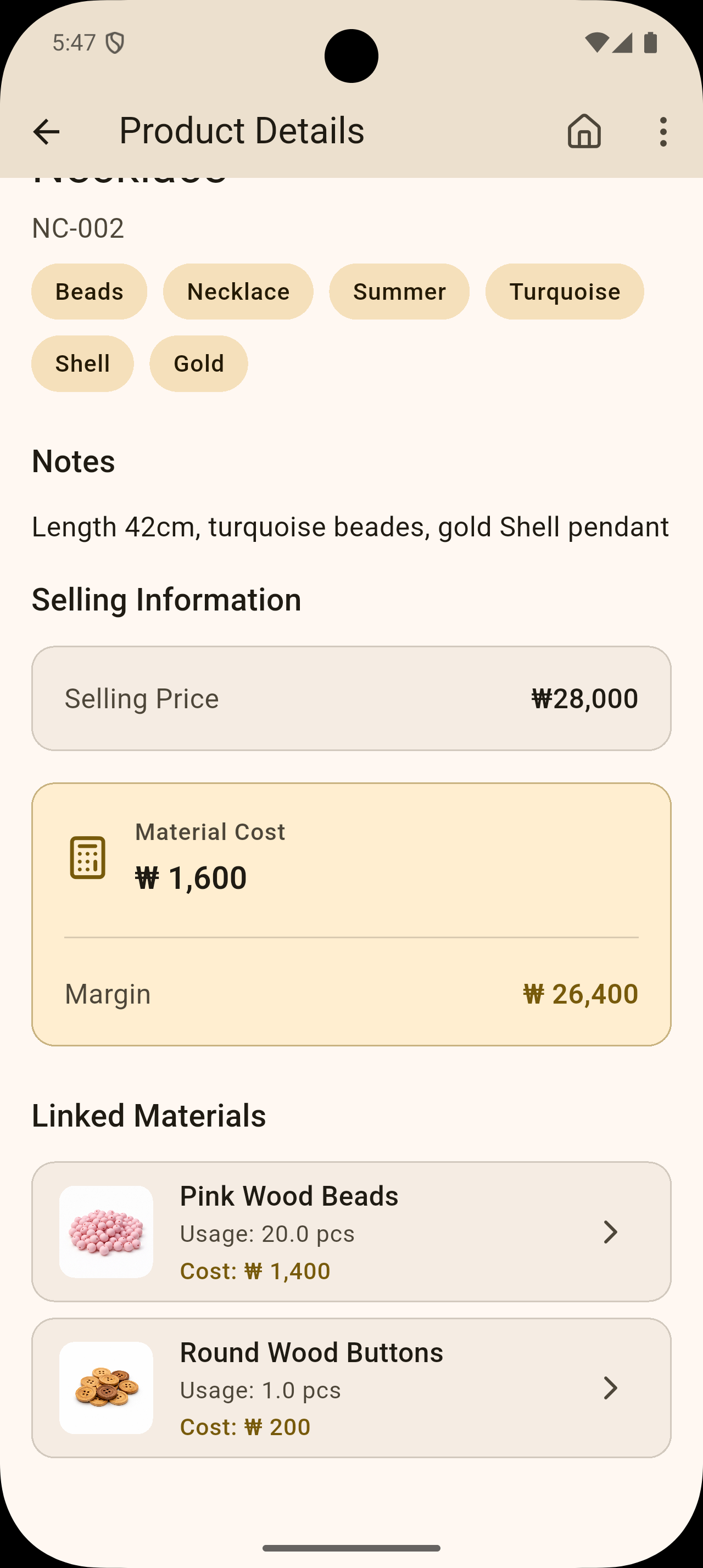
Link used materials and quantities to a work item, and costs are calculated automatically.
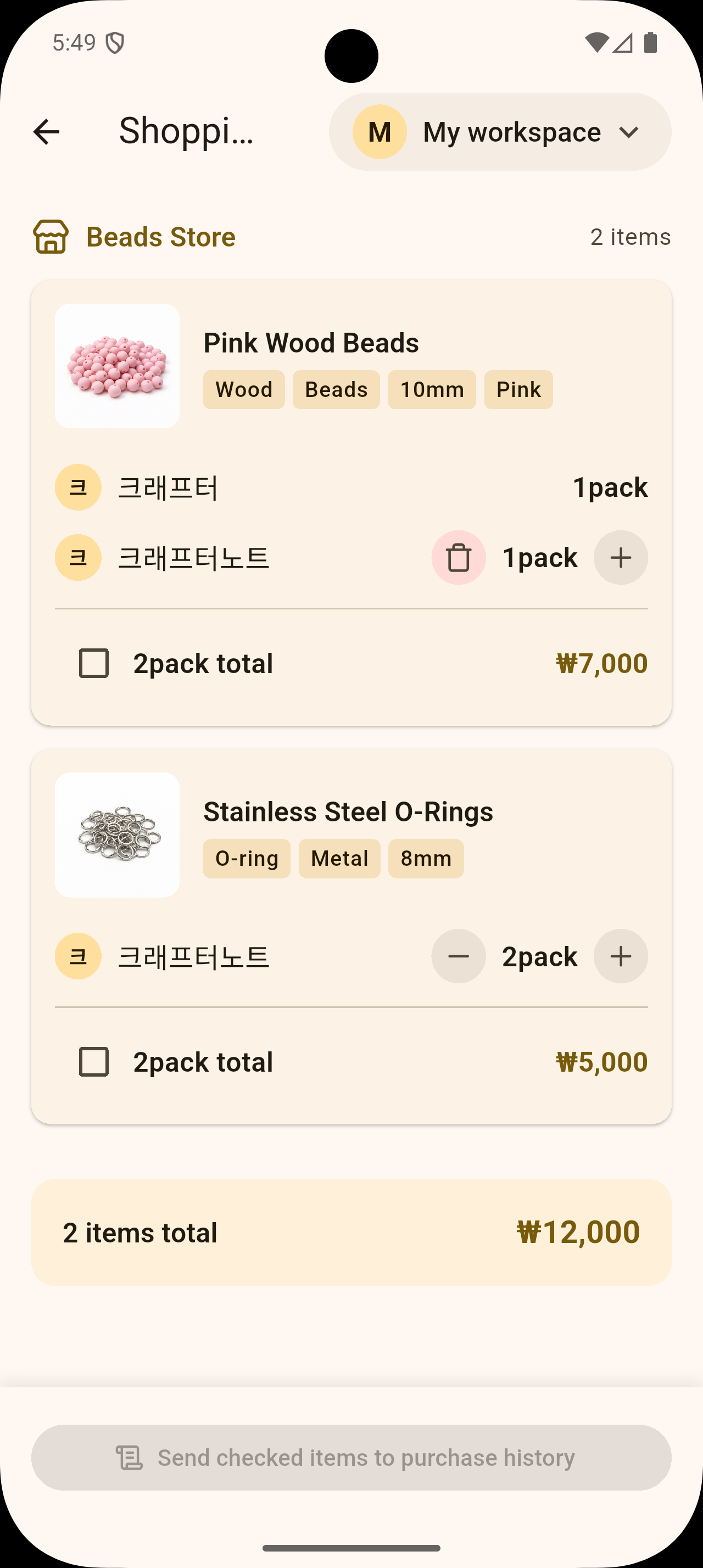
Collaborate with teammates in one workspace and keep everyone aligned on the same data.
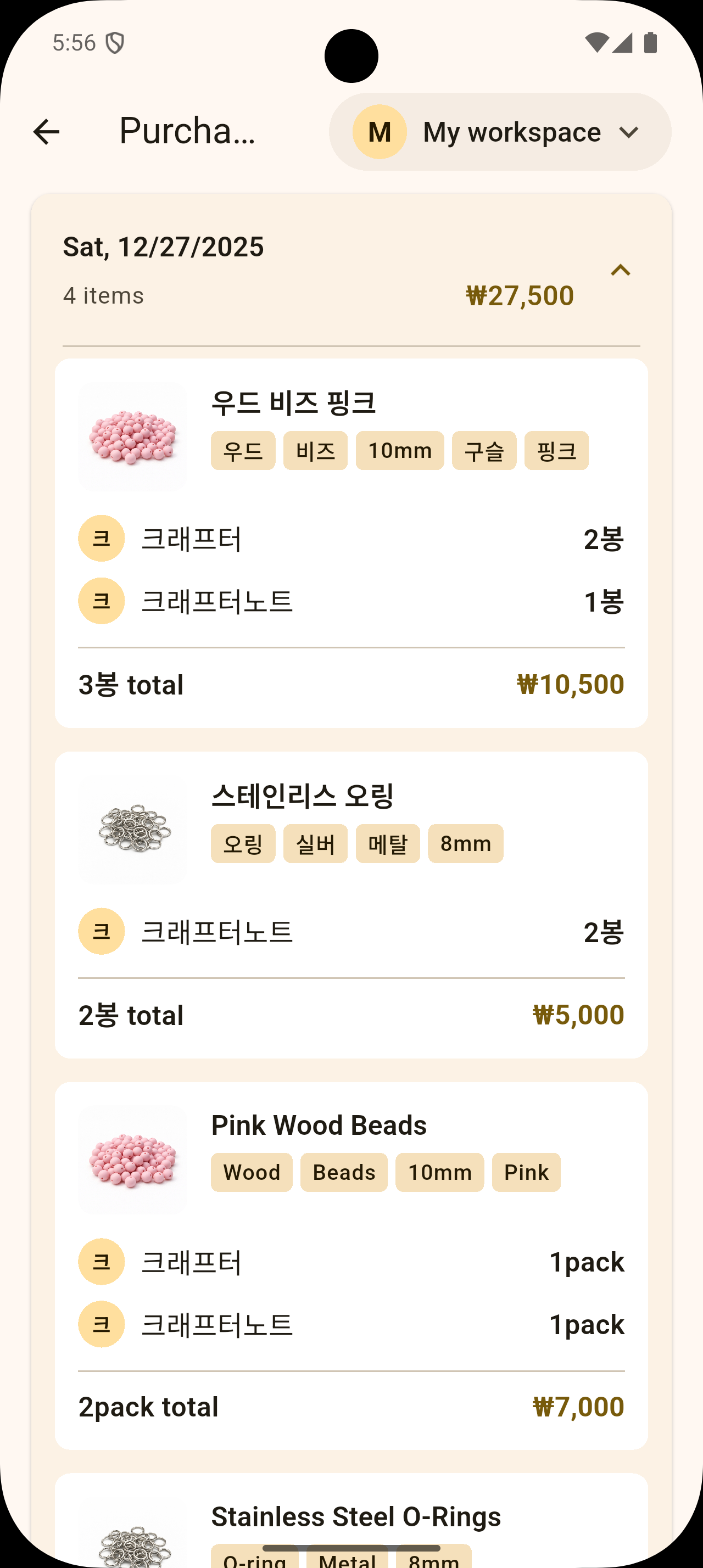
Review what was purchased and when, so replenishment planning is easier.

It is built for small studios, solo makers, and craft teams that need both material records and cost visibility.
Tags are flexible, so you can label materials in your own way and find items quickly by tag or name.
When you connect materials and quantities to a product or job, CrafterNote totals the cost from saved unit prices.
Yes. Shared workspaces allow teammates to view and update the same records in one place.
You can review material purchases by date to quickly see what was bought and when.